
.png)
What’s New for Embedded Cluster
Announcing: Embedded Cluster version 3.0 (Alpha). The Alpha release of Embedded Cluster 3.0 includes a fully redesigned GUI that lives outside the cluster, meaning it’s accessible even during cluster upgrades. It also offers more reliable upgrades, streamlined workflows for end customers, plus the ability for vendors to add custom host preflights and node role enhancements. Embedded Cluster 3.0 (Alpha) is available to interested early adopters with single-node installations. For more information, reach out to your Replicated account representative. Demo.
What’s New for Vendor Portal
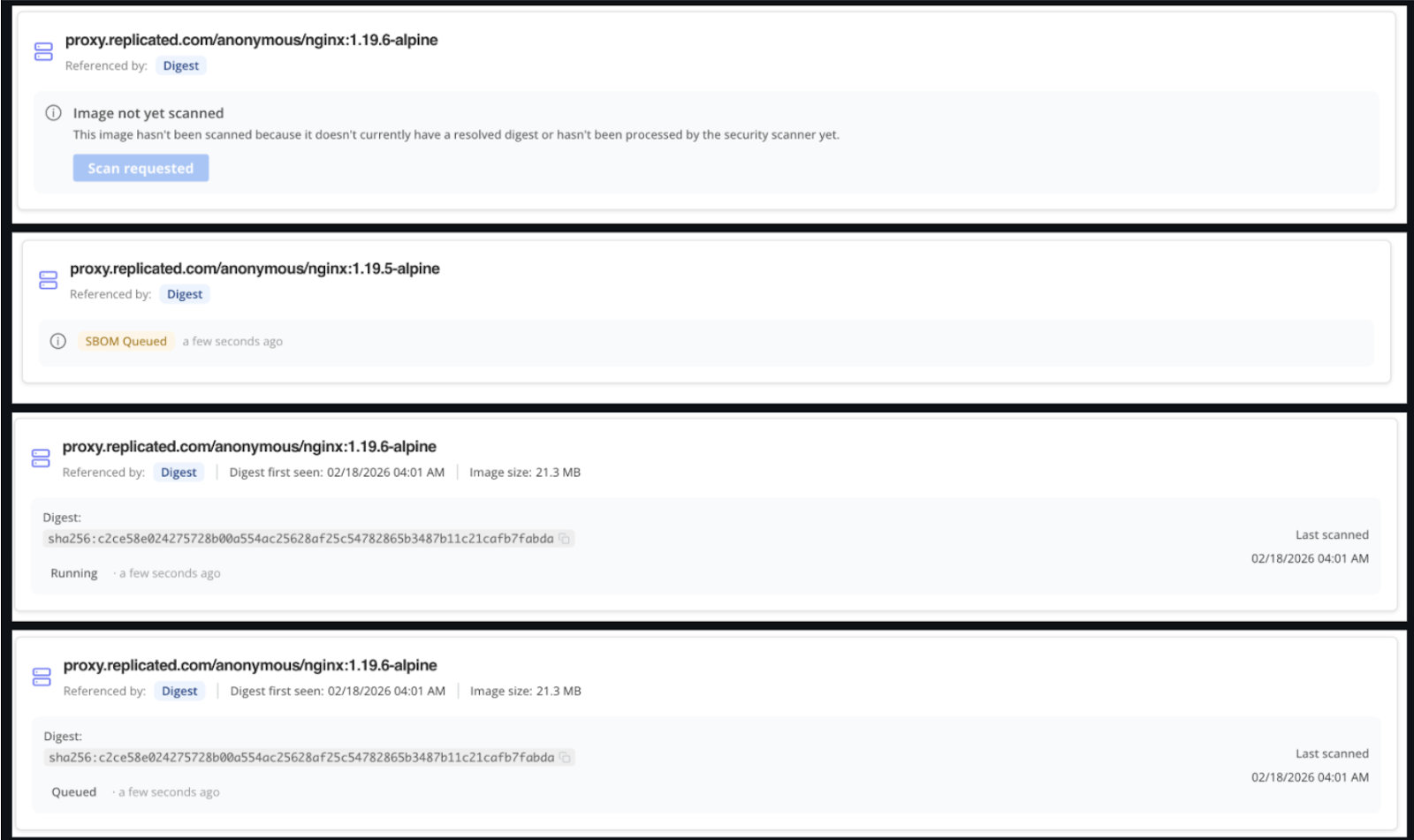
Security Center (Alpha) displays real-time image scanning status. With this improvement, the Vendor Portal Security Center now shows the status of image scans in real-time. It also provides a method for vendors to trigger a retry of scans.
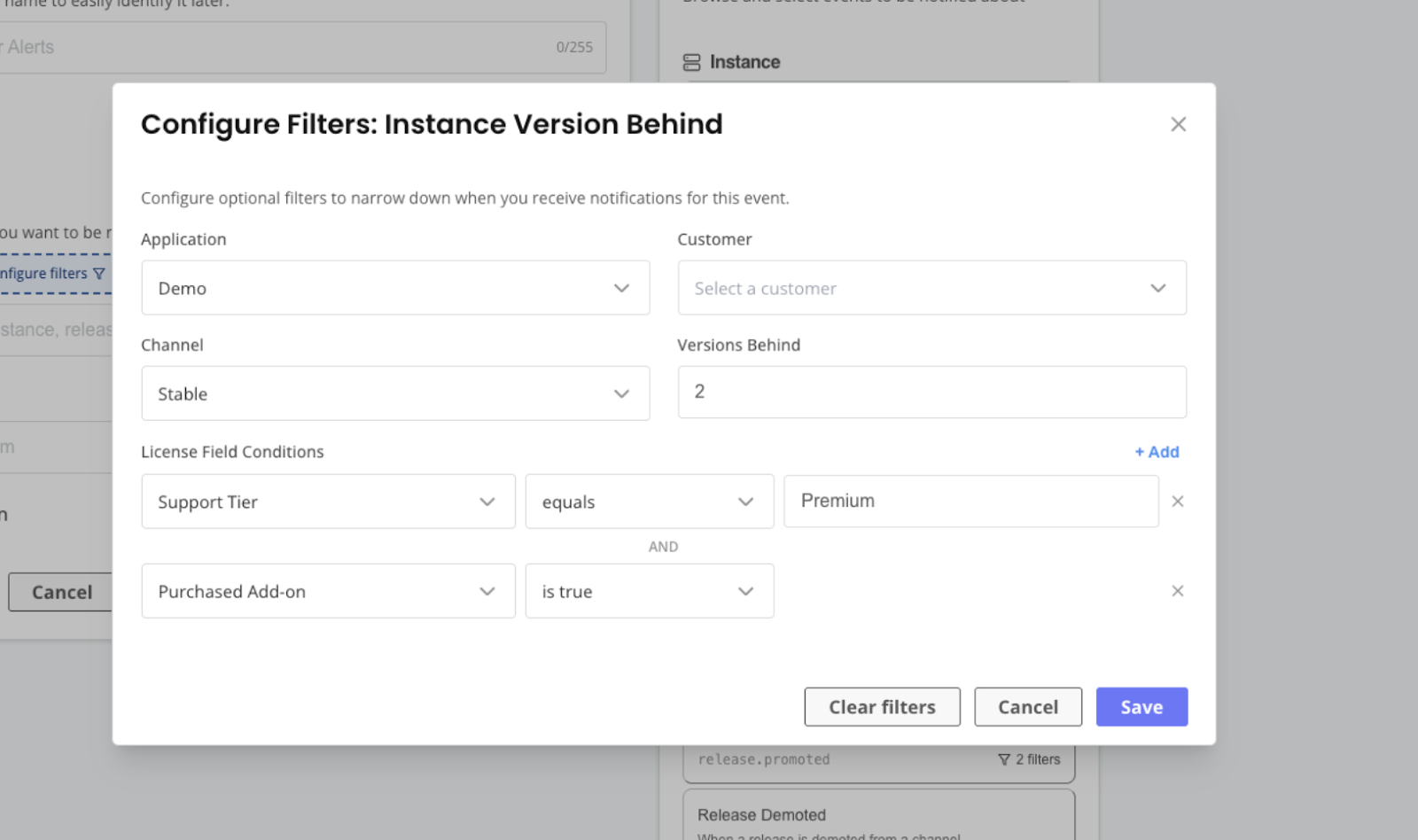
Various improvements to the Notifications (Alpha) experience. Based on feedback from early Alpha users, the notifications functionality has several enhancements:
- Filter customer events by custom and built-in license fields.
- Preview and test the webhook integration as part of the notification setup process to validate that the integration was successful.
- Use custom headers with webhooks for authentication and integration. This new capability removes the need for vendors to set up an external proxy or middleware in order to add needed headers.
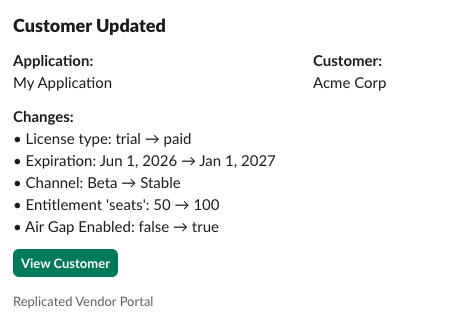
- Improved UX of Slack notifications to make them more useful and visually-appealing.
release create command now supports --required flag when --promote is also passed. Previously, the --required flag was available only with the release promote command. With this change, vendors can avoid the extra step to mark a release as required. Docs.
What’s New for Enterprise Portal
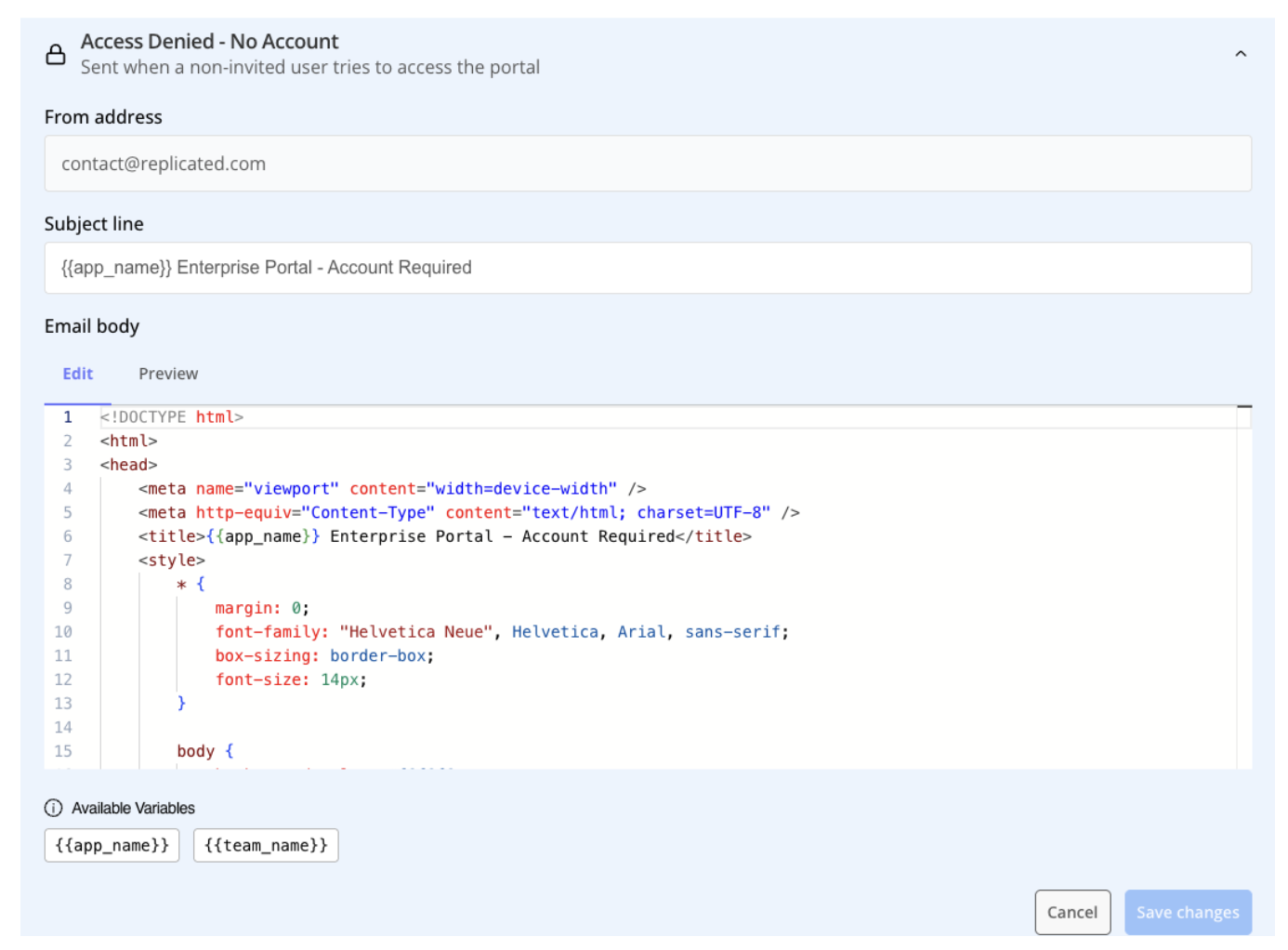
Send an automated email when a non-invited user attempts to log in to the Enterprise Portal. Enterprise Portal users must be invited by either the vendor or their enterprise team admin. Now, if a non-invited user tries to log in, the Enterprise Portal automatically sends a customizable email to let the user know what steps to take. Docs.
What’s New for the Replicated SDK
Added the ability to disable the default image pull secret for the Replicated proxy registry. The SDK automatically generates an enterprise-pull-secret that’s used to authenticate with the Replicated proxy registry. With the Replicated SDK version 1.15.0, it’s now possible to disable the default pull secret. This supports end customers that are not allowed to create secrets in-cluster and must reference externally created secrets. Docs.
What’s New for Compatibility Matrix
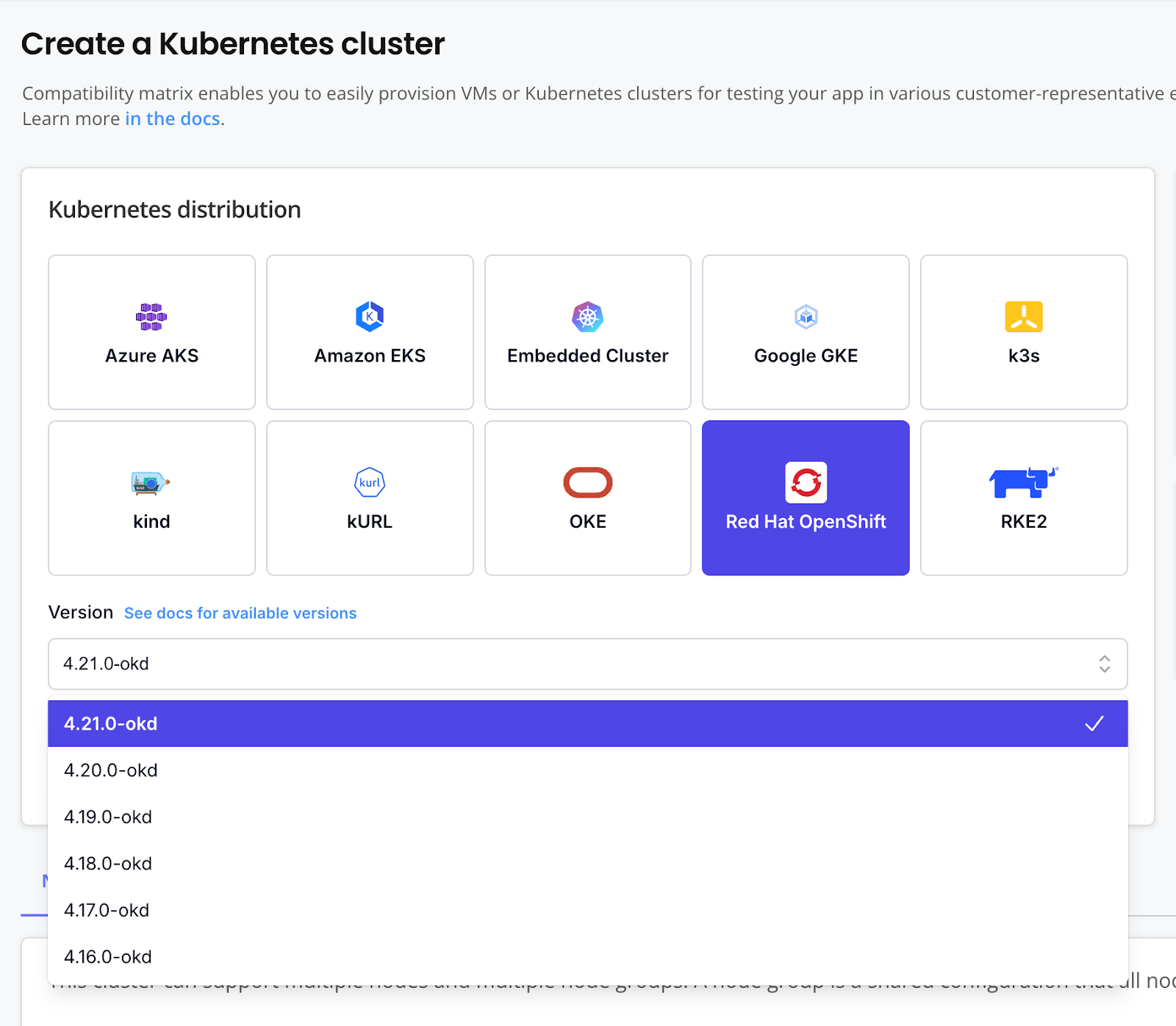
Added support for Openshift version OKD 4.21. Vendors can now simulate environments for end customers that are running version 4.21 of OpenShift.
What’s New for Documentation
New air gap installation tutorial. A new tutorial walks users through how to generate an air gap bundle for a sample application and then install in an air-gapped environment with Embedded Cluster. See Test an Air Gap Installation with Compatibility Matrix.
Improved custom metrics documentation. The documentation now better explains how to use custom metrics effectively, including examples of how to get value from this feature. See Configure Custom Metrics.
Improved docs on how to create and use custom license fields. The custom license fields documentation now includes more complete conceptual guidance and practical examples about working with custom license fields. See Manage Customer License Fields.
Added more information on setting default values for license fields. The About Customers and Licensing page is updated with more info about working with license fields, including how it works when you set default values for custom and built-in fields. See About Customers and Licenses.
Added docs on how to view image pull activity in the Vendor Portal. The docs are updated with info about how to view image pull activity for external registries connected to the proxy registry. See View Pull Activity.
Simplified Compatibility Matrix documentation. The Compatibility Matrix docs are updated with clearer page titles, fewer redundancies, and more complete how-to content.