
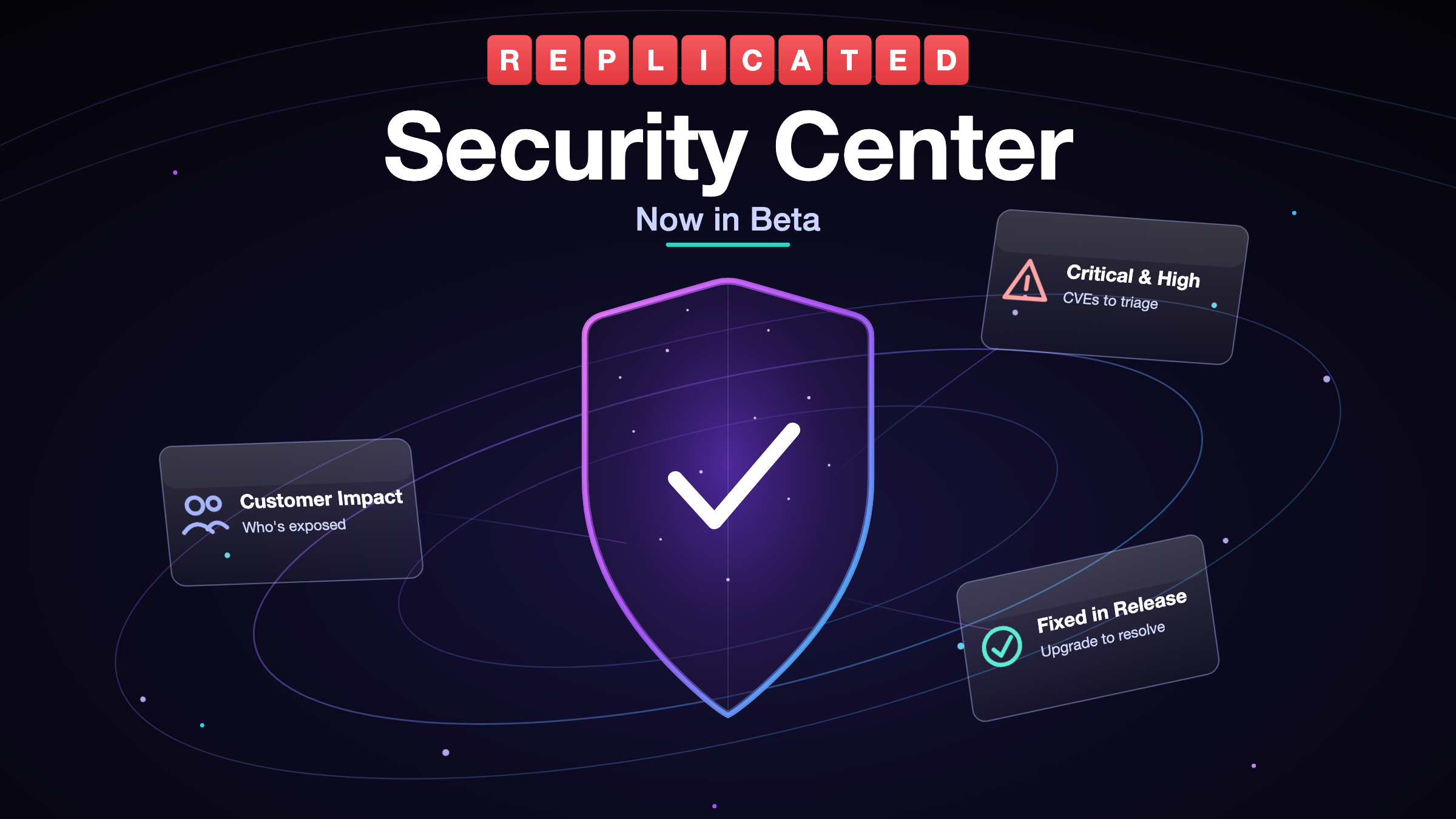
Security Center gives you and your enterprise customers a clear view of the known vulnerabilities impacting your application releases and customers.
With the initial Alpha version of Security Center, each promoted release was scanned for CVEs, and backed with an SBOM, while making the results available to you in Vendor Portal, and optionally available to your end customers via Enterprise Portal.
Vendors were previously able to look at the CVE posture of each release, per release version. This Beta version of Security Center builds upon that to expand the informational views available to you. It adds a higher-level view across your whole customer base, along with a customer-oriented way to look at the same data, so you can answer questions the release view alone couldn't
Which of my customers are exposed to this CVE? Which vulnerabilities are mine to fix versus Replicated's? Will the vulnerability resolve if the customer upgrades to a newer app version available to them?
In addition to the expanded functionality of this Beta milestone, Security Center is also now broadly available to every team in Vendor Portal.
In the walkthrough below, Mikhail Swift, one of the engineers who worked on Security Center, covers the new experience end to end, from the Customer Impact views in the Vendor Portal to what your customers see in the Enterprise Portal. It's a good three-minute overview if you'd rather watch than read.
How it works
Security Center is powered by Replicated's SecureBuild technology. With SecureBuild, your images are scanned on a recurring schedule using the open source vulnerability scanner Grype, not just at release time. Images are pulled by digest and their packages are compared against vulnerability databases including NVD along with OS-specific and language-specific sources. If an image digest in a release changes, Security Center regenerates the SBOM for that release and recalculates its CVEs automatically, so what you see reflects what's actually running.
What you can do now in Security Center
Assess exposure across your whole fleet - Security Center now opens on a Customer Impact view that answers "which of my customers are affected by critical and high CVEs?" at a glance, with a count of how many customers and instances are running each of your actively promoted releases. From there you can go by customer to see each instance and the CVEs it's exposed to, or by CVE to search a specific vulnerability and find everywhere it's running across your customers. It's the first thing in the walkthrough demo above. Each release also still has its own vulnerability overview with a severity breakdown, top risks, and a complete image inventory with CVE counts. See Viewing security information in the Vendor Portal for the full detail.
Know which CVEs are yours to fix - The image inventory can be filtered by source or scan status, so a vulnerability identified in an image Replicated provided as part of an installer product component is clearly distinguished from a vulnerability in an application image that you own.
Turn a CVE into a clearer customer next-step conversation - Customer-specific CVE information and upgrade recommendations show you what upgrading would resolve for a given customer, so the conversation shifts from "you have vulnerabilities" to "here's the version to move to and what it fixes."
Decide what your customers see - When you offer the customer-facing Security Center view in the newest version of Enterprise Portal, new display settings in Vendor Portal let you control what appears in the customer’s security reporting section, including whether to show all identified CVEs or only fixable ones that have a remediation available, and whether customers can download the raw Grype scan results. The end of the walkthrough shows both the customer's view, where they can see when a CVE was fixed and in which release, download the full scan report, and pull the SBOM, and how flipping those settings changes what they see.
Build security-scanning results into your release promotion pipeline - The vulnerability scan data is available and documented through the API, so you can gate promotion in CI/CD on CVE findings or pull results into your own tooling. See Retrieving scan results with the API.
What Beta means for your team
Every vendor team now has the vendor-facing view in the Vendor Portal, on by default. Open Security Center and start exploring your fleet's CVE exposure right away.
The customer-facing view in the Enterprise Portal is opt-in and off by default. Nothing is exposed to a customer until you turn it on, and you can do that either for individual customers or for your whole customer base at once. See Enabling customer access for how to offer it.
Note that in the first-generation Enterprise Portal, Security Center CVE reporting is an on/off enablement choice. For the newer capabilities, like raw scan download and fixable-only display options, you'll want to use the next-generation Enterprise Portal.
Your feedback shapes what's next
How you use Security Center during the Beta phase will directly inform the capabilities we build next and how we prioritize them. Please give us your feedback, either in your dedicated customer Slack channel or through your account contact.
Getting started
Security Center is available now in the Vendor Portal for every team. To learn more, see the Security Center documentation, and if you'd like a walkthrough from someone on our team, reach out to us.